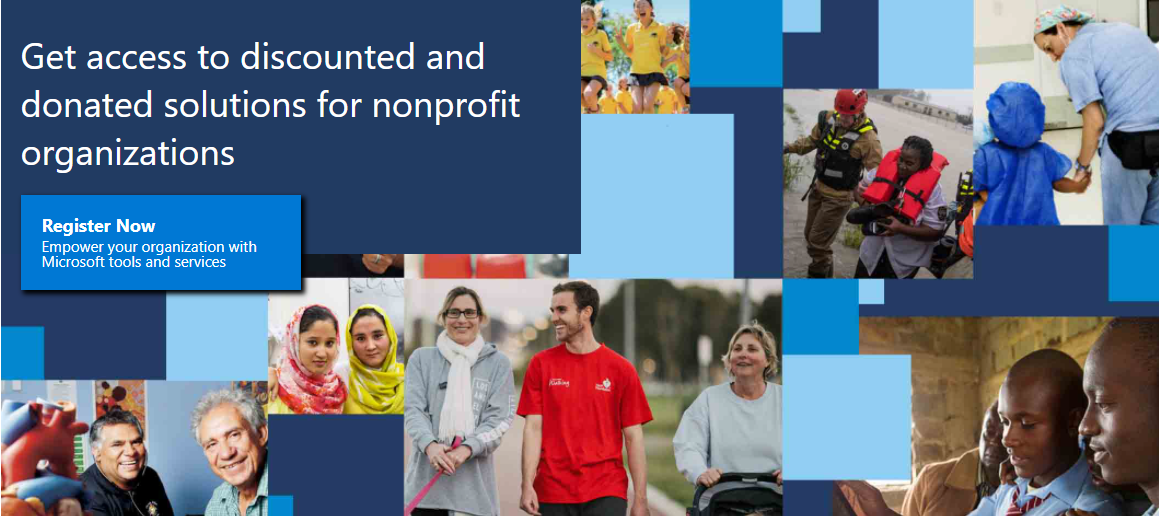
This web link provides information about qualifying for nonprofit offers from Microsoft and features a registration link to sign up. Please contact WheelHouse IT for more information about nonprofit offers from Microsoft.
What Microsoft benefits are available for nonprofits?
Microsoft provides a mix of grants (donated licenses or services at no cost) and discounted pricing tailored for eligible nonprofit organizations.
In practice, this usually includes:
- **Cloud services** (such as Microsoft 365 and Azure) offered as a combination of free grant quantities plus discounted additional usage.
- **Productivity and collaboration tools** (like email, document creation, file storage, and team collaboration) at nonprofit-specific pricing.
- **Security and compliance tools** at reduced rates to help nonprofits protect sensitive data.
The exact benefits depend on your organization’s size, location, and verification status as a nonprofit, but the core idea is to help nonprofits access Microsoft technology at significantly lower cost than standard commercial pricing.
Who can qualify for Microsoft nonprofit grants and discounts?
Microsoft’s nonprofit grants and discounts are designed for formally recognized nonprofit and non-governmental organizations. While the detailed criteria are defined by Microsoft and may vary by country, in general your organization should:
- Be registered as a **nonprofit, charity, or NGO** with the appropriate local authority.
- Operate on a **not-for-profit basis**, using any surplus to further your mission rather than distribute it.
- Focus on **public benefit activities**, such as education, social services, health, community development, or similar missions.
Some types of entities—such as government agencies, schools that fall under separate education programs, or organizations without formal nonprofit status—may not qualify under the nonprofit program and might need to use different Microsoft offerings.
How do nonprofits get started with Microsoft grants and discounts?
To get started, a nonprofit typically follows a straightforward process:
1. **Confirm nonprofit status**
Make sure your organization has the required legal documentation that proves its nonprofit or charitable status in your country.
2. **Create or use an organizational Microsoft account**
Use a work email associated with your organization (not a personal email) to sign in or create an account.
3. **Apply through Microsoft’s nonprofit portal**
Submit an application where you provide basic organizational details and upload verification documents as requested.
4. **Wait for verification**
Microsoft (or a verification partner) reviews your information. Once approved, your organization is flagged as eligible for nonprofit offers.
5. **Select the grants and discounts you need**
After approval, you can choose from available nonprofit plans—such as donated licenses within certain limits and discounted upgrades for additional users or services.
From there, you can reimagine how your team works by rolling out tools like email, collaboration, and secure file sharing, while keeping technology costs aligned with a nonprofit budget.



 Sign in with LinkedIn